
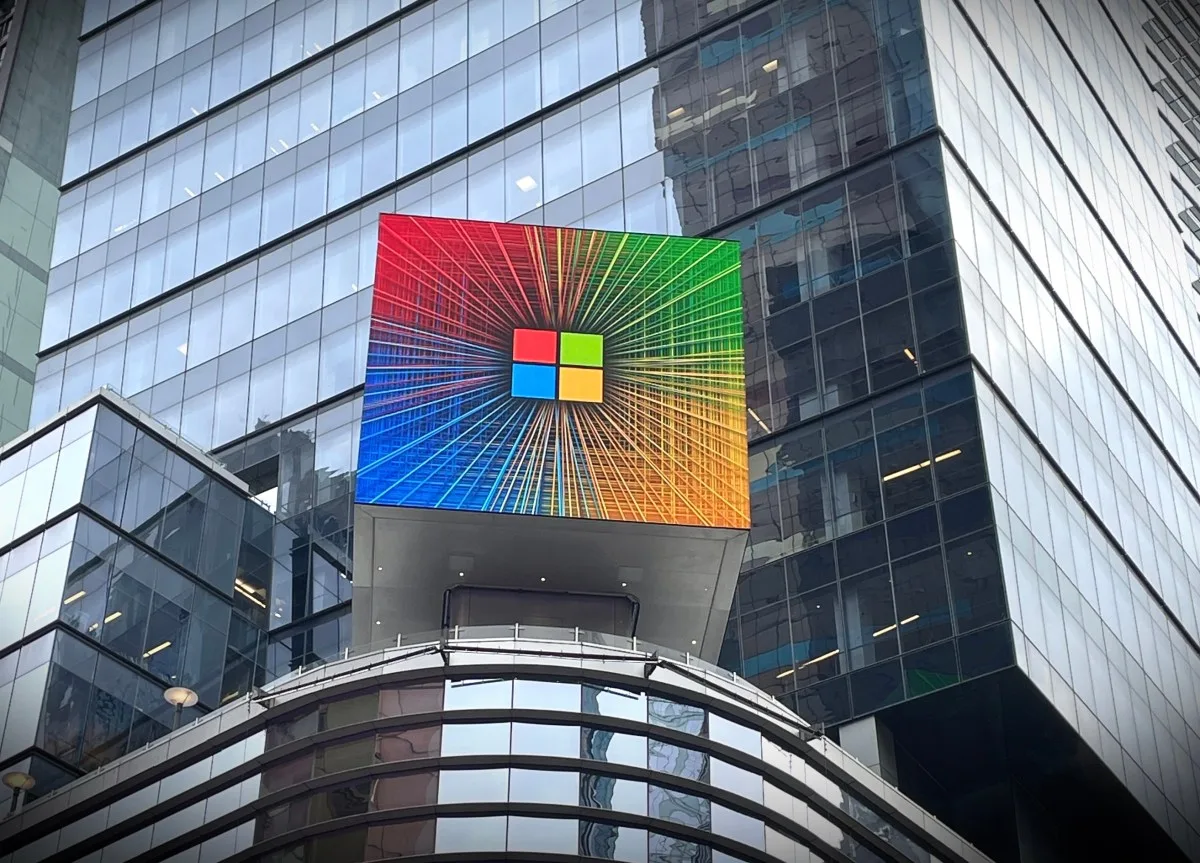
Scammers have been taking advantage of a loophole that allows them to send spammy emails from an internal Microsoft email address typically used for sending legitimate account alerts. This means you might get an email that looks like it's from Microsoft, but it's actually from a scammer. They're able to make it look legitimate, which can be misleading.
The scammers have been able to set up new Microsoft accounts as if they're new customers, and use that access to send out emails purportedly from the tech giant itself. It's not clear how they're abusing the system, but the result is that people might think these emails are real when they're not. This can lead to some serious issues.
For months, this has been happening, and it's a big problem because people trust emails from Microsoft. If you get an email that says it's from Microsoft, you're more likely to open it and click on links or download attachments. But if it's actually from a scammer, that could put your computer or phone at risk. You don't want to take that chance.
Microsoft hasn't said how the scammers are getting into their system or how they plan to stop it. The company needs to fix this loophole as soon as possible, or more people will get fake emails that look real. They can't afford to wait, or it'll get worse.
The impact of this scam is significant because it can lead to people losing money or having their personal info stolen. If someone clicks on a link or downloads an attachment from one of these fake emails, they could be giving a scammer access to their computer or phone. That's a huge risk, and it's not worth taking.
To protect yourself from these scams, be careful when you get an email that says it's from Microsoft. Check the email address it was sent from to make sure it's really from Microsoft. If it's not, or if the email asks you to click on a link or download an attachment, don't do it. It's better to be safe than sorry.
Instead, go to the Microsoft website directly and log in to your account to see if there are any messages or alerts. This way, you can be sure you're getting real information from Microsoft, not from a scammer. You'll know it's legit, and you won't have to worry.
The fact that scammers can send emails from a Microsoft email address is a big deal. It's not clear how they're doing it, but it's clear that Microsoft needs to fix this problem quickly. They can't let it go on, or people will lose trust in their email system.
Scammers are using a loophole to send spam emails from a legitimate Microsoft email address. This has been going on for months. The scammers set up new Microsoft accounts to send out fake emails. People might think these emails are real because they come from a Microsoft email address. The impact of this scam can be significant, leading to people losing money or having their personal info stolen.
If you're worried that you might have already clicked on a link or downloaded an attachment from one of these fake emails, you should check your computer or phone for viruses or malware. You can use antivirus software to scan your device and remove any threats. It's a good idea to do this regularly, just in case.
It's also a good idea to be extra careful when you get emails that ask you to click on links or download attachments, even if they look like they're from Microsoft. Remember, if an email asks you to do something that seems suspicious, it's better to be safe than sorry. You don't want to take any chances.
As this situation develops, Microsoft will likely face questions about how this happened and what they're doing to stop it. The company needs to be transparent about the problem and how they plan to fix it, or people will lose trust in their email system. They can't afford to lose that trust, or it'll be a disaster.
In the meantime, the best thing you can do is be careful and stay informed. If you hear about any updates or fixes from Microsoft, make sure to follow their instructions to protect yourself from these scams. You should also keep an eye out for any suspicious emails, and report them to Microsoft if you can.
Microsoft's email system is used by millions of people around the world, including in Nigeria. If you're one of them, you should be careful when you get emails that say they're from Microsoft. Check the email address and be wary of links or attachments, even if the email looks real. You don't want to get caught out.
The Nigerian connection to this story is important because many people in the country use Microsoft's email system for work or personal use. If scammers can send fake emails from a Microsoft address, it could put Nigerians at risk of losing money or having their personal info stolen. That's a big risk, and it needs to be taken seriously.
To avoid this, Nigerians should be extra careful when they get emails that ask them to click on links or download attachments. They should also make sure their antivirus software is up to date and scan their devices regularly for viruses or malware. It's a good idea to do this regularly, just in case.
By being careful and staying informed, you can protect yourself from these scams and keep your personal info safe. Remember, if an email looks suspicious, it's better to be safe than sorry. You should always prioritize your safety, and take steps to protect yourself.